Assignment
Create Master Slides
Create Master Slides
Completion requirements
View
Make a submission
Receive a grade
In this exercise you will create a presentation and design your own master slides. You will create a presentation with 2 custom master slides.
Instructions
- Open the create-master-slide-start.odp presentation file. You will work in this file.
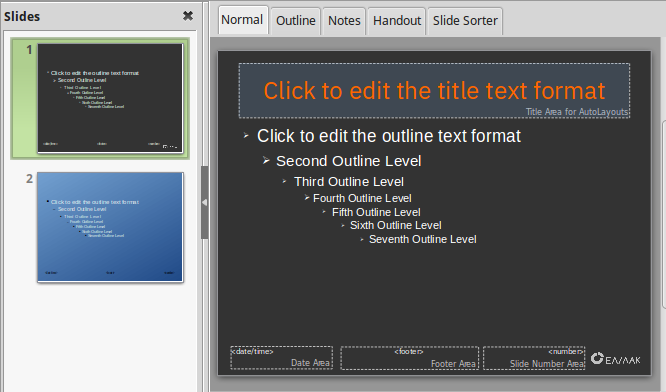
- Edit the default master slide
- Change slide background color
- Format the title area. Background color, font style and color.
- Format the object area. Change bullet style
- Header and footer. Insert date, company info and page numbering. Format font style and color.
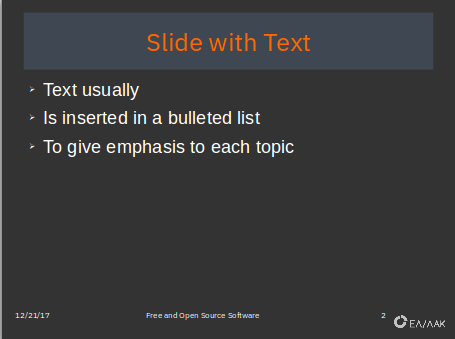
- Insert and position somewhere in the slide a company logo graphic. You can use the attached file sample-logo.png, a graphic from the Gallery. An example of a master slide is shown in the image below.
- Create a second master slide. Change at least the slide background color. Optionally format other properties.
- Apply the second master slide to at least one slide.
- Save your file and submit.
- 21 December 2017, 7:13 PM
- 21 December 2017, 7:13 PM