Assignment
Create multiple certificates
Create multiple certificates
Completion requirements
View
Make a submission
Receive a grade
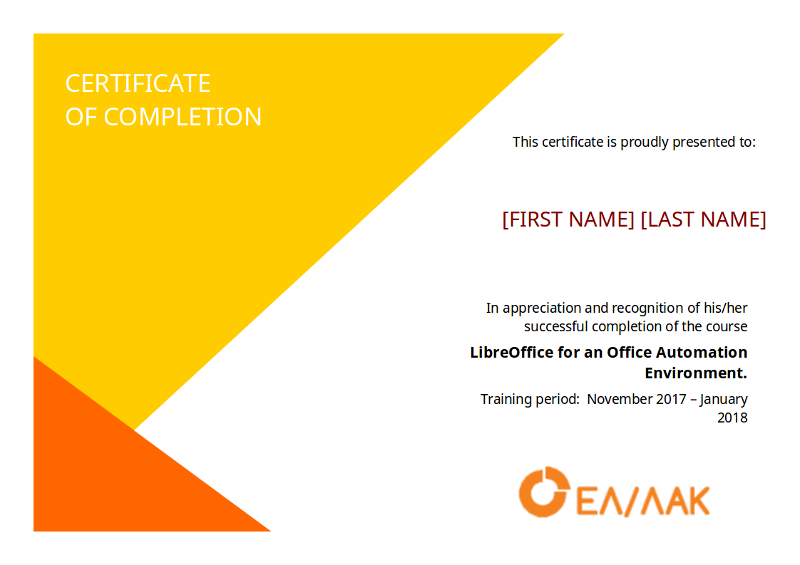
The course administrator needs your help to issue the certificates. The certificate template and the list of students that have completed the course is given to you. Your job is to automatically create all the certificates in one merged file.
Instructions
- Open the source (or master document) mail-merge-exercise-source-document.odt. This is the certificate template. The fields that must be merged are marked with placeholder text First Name and Last Name.
- Connect the document with the data source file mail-merge-exercise-data-source.ods. This file contains 10 records with student names.
- Insert the fields from the data source to document in place of the First and Last Name placeholders.
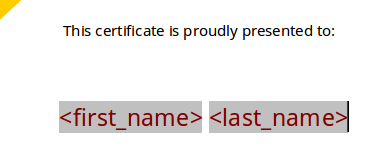
- Output the file in a single document with the name certificates (use odf or pdf format). The output file must be of 10 pages long and each page should contain the certificate with each student name.
- 14 January 2018, 11:36 PM
- 14 January 2018, 11:36 PM