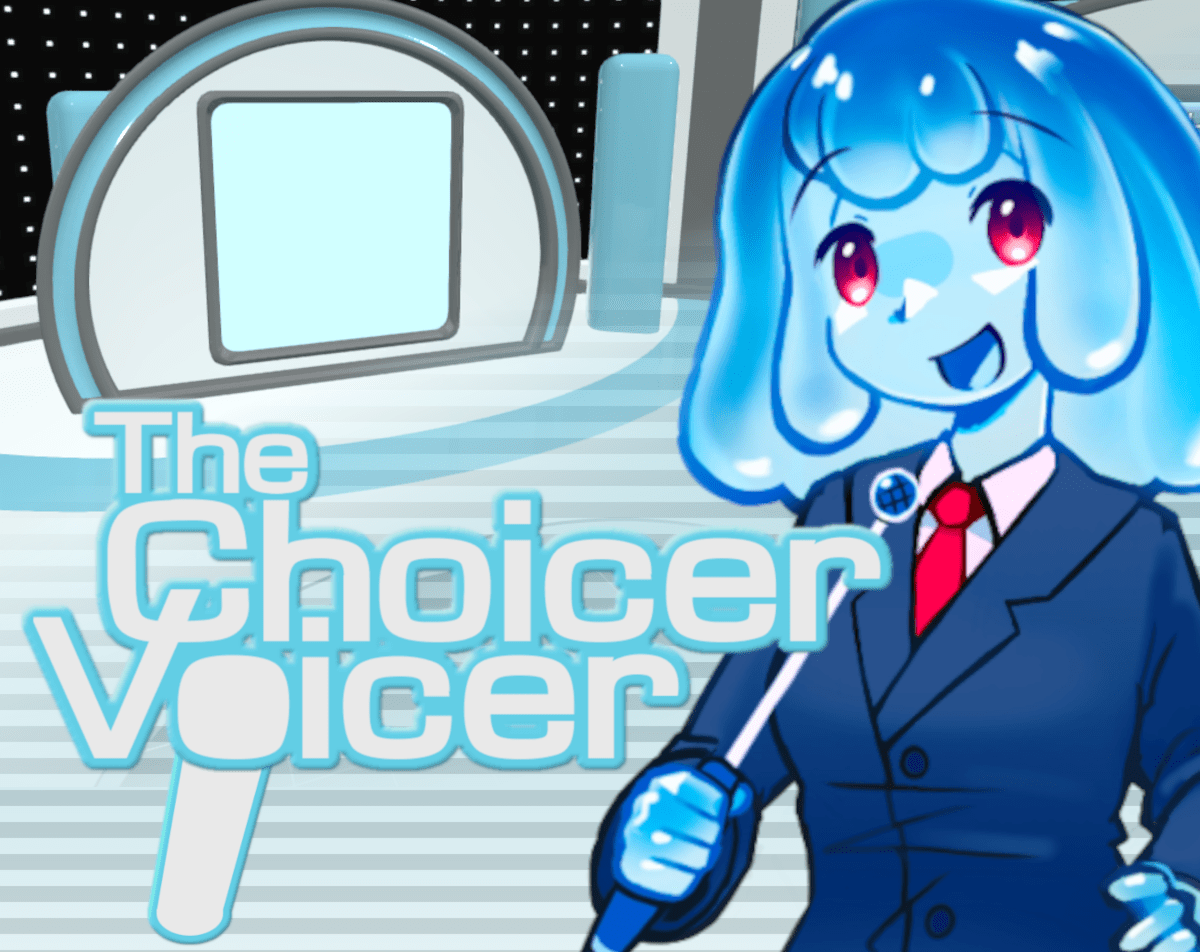
You press record in The Choicer Voicer, the clip ends, and the judge panel just stares back at you. The waveform showed activity. You heard yourself in real time. The take plays back as silence. For a lot of players, that is their entire first session — not a bad round, not a funny failed impression, just a broken microphone loop that the game itself cannot explain and cannot fix with a settings toggle. Knowing what causes that silence, and what actually resolves it, is the most useful thing anyone can tell a new player before they sit down with this game.
Why The Choicer Voicer Records Silence and What to Do About It
The microphone recording failure in The Choicer Voicer does not originate in the game's code. The game is built on the Godot engine, and the root cause is a years-old bug in Godot's AudioEffectRecord component — the part of the engine responsible for capturing audio input. The developer has been unusually direct about this in public posts: the relevant engine issues have been open since 2022 and 2024, they remain unresolved by Godot's own maintainers, and building an audio-based game on Godot again is something the developer has said he would not do. That context matters when troubleshooting, because the failure is not a setting you missed — it is an engine limitation you are working around.
The most consistent trigger is a multi-channel audio output. Godot's recording path breaks when the system is set to more than two channels, which affects players with 5.1 or 7.1 surround output configured in Windows, players using headset companion software that creates virtual multi-channel devices — SteelSeries GG, Sonar, and similar applications are frequently cited in the official community thread — and players whose audio interfaces default to four or more channels. The engine can hear the microphone signal, which is why the waveform appears active, but it cannot correctly identify which channel to record from, so the output file captures nothing.
The fix that resolves the issue for most affected players is entirely at the system level. Open Windows Sound settings, navigate to your output device's advanced properties, and switch it to two-channel stereo. Then open your microphone's advanced properties and set the format to either 44100 Hz at 24-bit, or 44100 Hz at 16-bit for a mono microphone. Apply both changes and restart The Choicer Voicer completely. Players who reported the issue in the official pinned thread — which passed 11,900 views before the current stable release — confirmed this combination resolved recording for the majority of setups where the waveform had been showing signal while the take played back as silence.
The Reset Mic Button and Other Mid-Session Fixes in The Choicer Voicer
A microphone that worked at the start of a session and then dropped out mid-round is a different situation from one that never recorded at all. The game includes a Reset Mic button that sits in the control panel on the right side of the screen during Dub Mode. It is easy to miss because it blends into the interface rather than presenting itself as a prominent troubleshooting tool, and many players who have restarted an entire session — losing takes they cannot save — did not know it was there. Mid-session dropouts clear with one press in a significant number of cases, so reaching for Reset Mic before closing the game is always the right first step.
For players whose microphone worked in a previous version of the game but stopped working after an update, the current stable release is version 0.5.1. The developer shipped a test build labeled 0.5.2-dev2 that was compiled against a patched version of Godot incorporating a community-contributed fix targeting the audio recording bug specifically. Feedback in the itch.io thread on that build was largely positive for players whose recording had previously failed, with most testers reporting that microphone capture worked where it had not under 0.5.1. It is a test build rather than a stable release, and it has a separate known issue with Dub Mode crashes, but for players who cannot get any recording to work under the stable release it represents the most likely path to a functional session.
Before making any system-level changes, the fastest diagnostic step is downloading the free No Gameplay Demo from the game's official itch.io page. The demo exists specifically to test whether a microphone works with the Godot audio engine — it contains no gameplay and requires no purchase. Running a test through the demo before a planned group session takes under five minutes and immediately tells you whether the mic issue affects your setup, which saves considerably more time than discovering the problem mid-session.
What Dub Mode in The Choicer Voicer Demands from Your Audio Setup
Dub Mode places heavier demands on the recording path than Studio Mode does, which is why some players find that recording works correctly in Studio Mode but fails specifically in Dub Mode. In Dub Mode, the game captures takes sequentially across a scene, holds them, and then assembles the complete dub for playback at the end. The Dub Pack format includes video alongside timing metadata and optional character tags for multi-voice scenes, which means the recording process runs against a more complex background than a single scored clip in Studio Mode.
The Reset Mic button's placement in the Dub Mode control panel rather than the Studio Mode interface reflects where mid-session dropouts are more likely to occur. Players who build longer Dub Pack sessions — scenes with many clips across an extended sequence — report a higher rate of mid-session audio dropout than those running shorter Voice Pack rounds in Studio Mode. Keeping sessions to a moderate length on a first Dub Mode outing, and checking the microphone in the Mic Test screen before loading the Dub Pack, reduces the chance of losing takes partway through a scene.
One detail from player reports worth noting: the mic may work in the Mic Test screen and still fail when a Dub Mode recording round begins. The Mic Test and the recording path use different parts of the Godot audio system, which means a successful Mic Test is not a guaranteed indicator that recording will function during actual gameplay. This is counterintuitive and catches players who assume a passing Mic Test clears the audio setup entirely.
Building a Voice Pack That Actually Works in The Choicer Voicer
The blank-slate nature of The Choicer Voicer — no built-in content, no default Voice Pack to fall back on — means the quality of a session is directly tied to the quality of the Voice Pack loaded into it. A Voice Pack is a folder of audio clips that supplies the reference lines the judge panel scores against. The game does not check clip length limits when you select a pack; it checks them when it builds a batch for active gameplay. That timing means an oversized clip can sit in a library and appear perfectly valid until it causes a round to break at the worst possible moment during a session.
Clean source audio matters in a way that is not immediately obvious from the game's presentation. A heavily compressed clip or one ripped from low-quality video introduces artifacts that affect how the judge panel scores a take — a technically accurate impression recorded against bad source audio can score poorly not because the delivery was wrong but because the reference itself was degraded. Players who have built multiple packs consistently recommend sourcing clips from the clearest available version of whatever material you're using, particularly for anything with fast speech or heavy accent work where compression loss is most audible.
Variety across a pack matters more than total clip count. A library of twenty-five clips with strong variation in register, mood, and pacing produces more engaging sessions than a hundred clips from the same character in the same emotional state. The community-sourced packs available on GameBanana and the itch.io community page demonstrate this structure clearly in their best examples — browsing a few well-rated community packs before building from scratch is worth the time, both for content ideas and for understanding what a correctly sized, well-varied library actually looks like inside the game.
The Twitch Panelist Variant and Its Specific Setup Requirements
The Twitch Panelist variant replaces the computer judge panel with live Twitch chat, which means the game's scoring depends entirely on whether your audience understands the voting commands before the first round begins. The community experience on this is consistent: a clear, brief explanation of how chat votes at the top of the stream produces dramatically better rounds than explaining it mid-session or hoping viewers figure it out from context. A confused voting audience creates noisier, less meaningful scores than even the most unfavorable computer judge configuration.
Chatter Packs, a separate content format from Voice Packs, can trigger audio reactions from chat messages during a Twitch session. Combining a Chatter Pack with Twitch Panelist mode adds a layer of reactive audience participation that extends well beyond a standard scored round, but it also requires more pre-session setup to work cleanly. The two components — voting commands and Chatter Pack audio — are configured independently, and testing both during a non-streamed session before going live with them saves the setup confusion that most streamers describe encountering on their first attempt.
Players who stream The Choicer Voicer consistently recommend treating the Twitch variant as a separate mode with its own preparation checklist rather than an extension of the standard Studio Mode setup. The judge panel swap, the Chatter Pack loading, and the chat command briefing are all pre-session steps, and shortcutting any of them tends to surface as a problem during the session itself — at which point fixing it means stepping out of the game to adjust settings in front of the audience.
Frequently Asked Questions About The Choicer Voicer
Is The Choicer Voicer finished, or is it still being updated?
The game is in early access alpha as of the current release. The developer, YeahMaybe, has been active in the itch.io community thread and shipped the 0.5.2-dev2 test build specifically addressing microphone recording. The foundational codebase is described by the developer as approximately two years old, which has made implementing some features more difficult than it would be in a newer build. Updates continue, but the game's own itch.io page notes that the early-access status is real rather than cosmetic.
Can you play The Choicer Voicer without building your own content?
Yes, but with some setup still required. Community Voice Packs and Dub Packs are available through the itch.io community page and GameBanana's hub, and downloading one of those before a first session means starting with actual content rather than an empty pack slot. The game's example packs provide a minimal starting point for testing, but they are not enough material for a full session. Most players who describe The Choicer Voicer positively did so after loading a community pack built around material they already knew, rather than after playing with default content alone.
Why does The Choicer Voicer work in some modes but not others on the same setup?
Studio Mode and Dub Mode use the Godot recording path differently, which is why some setups record correctly in one mode and fail in the other. Dub Mode's sequential multi-clip capture runs the audio system longer and against a more complex background process than a single Studio Mode clip, which increases the likelihood of encountering the surround-sound recording bug that sits in the Godot engine. Switching your system output to two-channel stereo at 44100 Hz resolves the issue for most players across both modes, but players who find Studio Mode working while Dub Mode fails should treat the Reset Mic button as the first fix to try before adjusting system settings.
The Choicer Voicer is an early-access game built around a specific, demanding premise — a microphone as the only controller, and vocal performance as the scored output — and it is honest about the limitations that come with that combination right now. The Godot audio bug is real, the No Gameplay Demo exists precisely so players can test it before committing, and the community thread where the developer has documented every fix attempt is publicly readable. Getting through the mic setup is the threshold the game asks you to cross before the studio loop and the judge panel can do what they were designed to do.